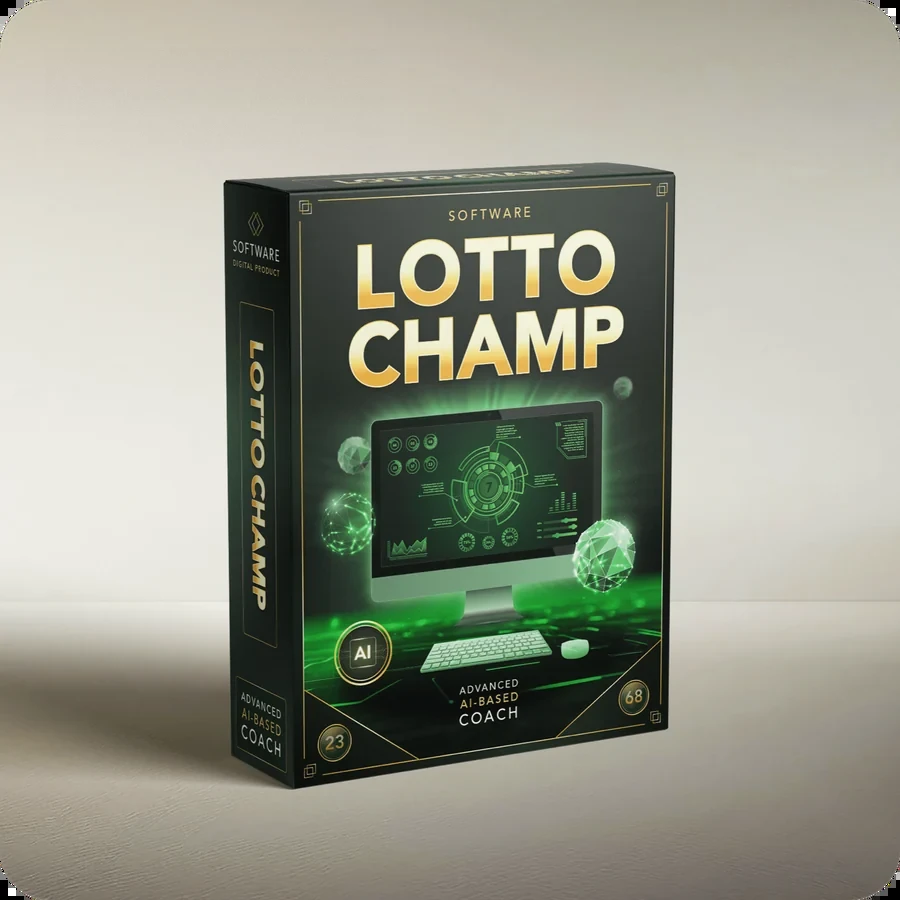
Trying to get into LottoChamp after you buy? The seller’s FAQ describes a simple login: your purchase email as the username and your order ID as the password. This guide walks you through that login, explains what to do if the access email has not arrived and shows where to get help if you are still stuck. If you have not bought yet, there is a short section for you as well.
Lottery games are games of chance; no tool can predict numbers. Play only if you are of legal age (18+ or as your state requires) and only with money you can afford to lose.
Not Bought Yet? Start Here
One package at $197 with instant online access, a members area and a 60-day money-back guarantee.
Get LottoChamp for $197
60-day money-back guaranteeTable of Contents
The LottoChamp Login Steps
Once your order is complete, the seller describes instant online access, delivered through a login. Follow these steps:
- Open the login link the seller provides in your access email.
- Enter the email address you bought with as the username.
- Enter your order ID as the password.
- Open the members area and look for the number suggestion tool.
If the login page loads but the password is rejected, go back to your receipt and check the order ID once more. Copy and paste is safer than typing, and if a character looks unclear, try the next step rather than guessing many times.
Type the details carefully. Upper and lower case letters and any extra spaces can stop a login from working, so copy the order ID from your receipt rather than typing it from memory.
Get Into Your Members Area
Instant online access with the number suggestion tool, for one package at $197 with a 60-day money-back guarantee.
Open LottoChamp
Instant online accessYour Username and Password
The username is the email address you used at checkout. The password is your order ID, as the seller’s FAQ describes it. That is different from the password for your email inbox, so do not try your email password first. If one combination fails, check the other details before you assume something is wrong.
Keep your receipt and your order ID somewhere safe. Our LottoChamp what’s included page explains what arrives after checkout, and it is a good place to check the login basics again.
If the Access Email Is Missing
Access emails sometimes land in the wrong folder. If yours has not arrived, work through these checks in order:
- Look in your spam or junk folder, and search your inbox for the seller’s name or “LottoChamp”.
- Check that you used the right email address at checkout. A typo in the address is the most common reason an email goes astray.
- Wait a short time. Some emails arrive a little after the order is complete.
- Look at your receipt, which should show the order ID you need for the password.
If none of those steps work, move on to the order lookup below.
Keep Your Access Simple
Your login, your members area and a 60-day money-back guarantee attached to the order you place with us.
Order through the checkout
Secure BuyGoods checkoutLook Up Your Order
BuyGoods is the retailer named on the seller’s pages, and it offers an order lookup. Go to buygoods.com/orderlookup and search for your order using the details from your receipt. The lookup can help you confirm that your order exists, which tells you whether to keep waiting or to ask for help.
Use the lookup only on the BuyGoods order page. Do not enter your card details anywhere to check an order.
Contact Support
If the email and the order lookup do not solve the problem, contact the seller at [email protected]. Include your full name and your order number, and say what you see on the login screen. Keep the message short and factual, and mention the day you ordered so the team can find the record quickly.
The seller also offers a contact form on its website. Support is by email and form, and the seller’s pages do not publish a phone line. Keep copies of your messages in case you need them later.
If you ever need a refund instead of access, the route is the same email with “Refund Request” in the subject, your full name and your order number. Act early. Our LottoChamp money back guarantee guide has the full steps.
Keep Your Access Details Handy
Keep your receipt, your order ID and the access email together, in one folder or one note on your phone. That way you do not need to search for them when you want to log in on a new device. On a shared computer, log out when you finish and do not leave the password in the browser.
Only enter your details on the login page that the seller’s access email links to. Never enter card details on a page that asks for them when you only meant to log in. For the seller’s page basics, see our LottoChamp official website guide.
What to Have Ready Before You Write
Before you email support, gather these items so the reply can be quick:
- your full name, as you gave it at checkout
- your order number and the day you ordered
- the email address you used to buy
- a short note on what the login screen says, such as an error message
Keep the message short and calm. Support can match your order faster when the details are clear.
Not Bought Yet?
If you are reading this before you buy, there is no login to use yet. Access is for buyers, and it starts after checkout. The routine is simple: once you are in, you enter your game, the draw date and your budget, and the tool suggests number sets. Our LottoChamp how it works guide walks through those steps.
Order through the checkout behind our button when you are ready. You get one package at $197, instant online access and a 60-day money-back guarantee.
Ready to Get Started?
Order once through our checkout, then log in with your purchase email and order ID to begin your routine.
Get LottoChamp now
60-day money-back guaranteeFrequently Asked Questions
How do I log in to LottoChamp?
Use the email address you bought with as the username and your order ID as the password, through the login link the seller provides.
What is my LottoChamp password?
According to the seller’s FAQ, the password is your order ID. Find it on your order confirmation or your receipt.
I did not get the LottoChamp access email. What now?
Check your spam or junk folder first. Then look up your order on BuyGoods at buygoods.com/orderlookup, and if that does not help, email [email protected] with your full name and order number.
Can I log in before I buy LottoChamp?
No. Access is for buyers. If you have not bought yet, see the one package at $197 on the checkout linked from our button first.
Who do I contact for login problems?
Email [email protected] with your full name and order number. The seller also offers a contact form on its site.
Does the 60-day guarantee still apply if I cannot log in?
Act early. If access is still missing, email [email protected] with Refund Request in the subject, your full name and your order number.