The Energy Revolution System guide is sold through the seller’s own order page, and that page runs on ClickBank as the retailer. If you want to know where to buy Energy Revolution System, the answer is that one route is the sensible one: the order page the seller provides, reached from our links or from the seller’s site. This post explains how to reach that page, how to check it before you pay and why you should avoid other sources.
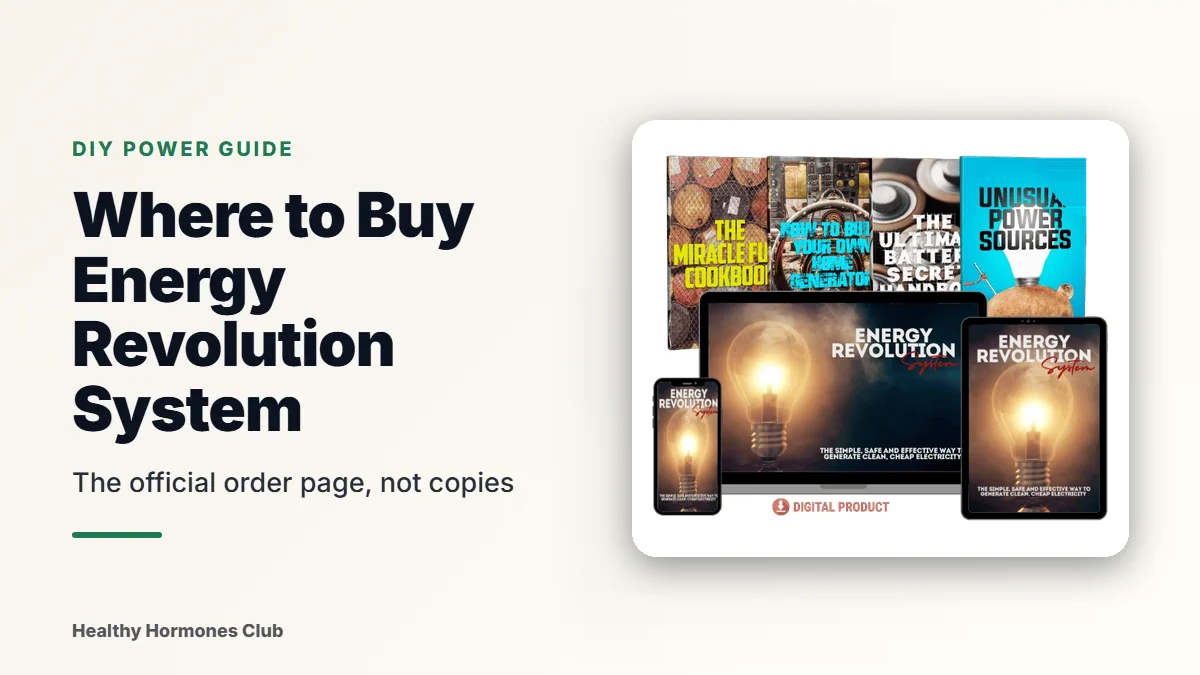
Open the Energy Revolution System Order Page
The seller’s order page for the digital PDF guide, one payment of $39, with a download link by email.
Go to the Order Page
ClickBank checkout · $39Table of Contents
The Route That Makes Sense
The seller’s order page is the place to buy. According to the seller, the guide is sold by the seller through ClickBank, which handles payment and sends the download link to your email. The seller’s website is theenergyrevolution.net, and its sales page leads to the ClickBank checkout. For the product overview, read the Energy Revolution System hub, and check the official website page for the route to the genuine order page. The seller also lists an email address and a phone number for questions, shown on its contact page.
Using the seller’s order page has one practical benefit. The refund steps, the download link and the contact route all come from the same seller and retailer. That keeps your order in one chain, which makes any question easier to resolve. For the product overview, see the Energy Revolution System hub.
Why Avoid Other Sources
You may find listings for the guide on marketplaces, in forums or on file-sharing sites. We advise against buying from them. A listing from another source is not an order with the seller, so the seller’s refund steps would not apply to it. You also cannot be sure what the file contains. A copy may be incomplete, altered or simply not the genuine guide.
Price is another reason to be careful. The seller lists $39 in one payment, and any listing that shows a different figure should make you stop and check the seller’s own page before you pay. We do not quote any other price for this product, and the seller’s own page is the only source we use for the $39 figure. A useful check is to ask whether the page you reached matches the offer described in our posts. If the product name, the payment terms or the retailer differ, stop and go back to the seller’s website before you enter any details.
For a closer look at the questions people raise, our Energy Revolution System complaints post covers the video-led sales page and the checkout points. The seller’s own disclaimer reads in plain terms: the story and presentation are created strictly for promotional purposes, the product is an experiment that was not technically assessed, and some home alterations may be illegal in your town, city, state, province or country. The seller says it is your responsibility to check with your local authority. The author is shown under a pen name, and the seller says actors appear in its presentation.
Order Through the Seller’s Own Page
Buy from the order page the seller provides, so your download link and refund route come from the seller and ClickBank.
Order From the Seller
One payment · 60-day money-back guaranteeWhere to Buy Energy Revolution System, Step by Step
Before you start, have a payment method and an email address you check often ready.
- Open the order page. Use the button on this post, which leads to the seller’s order page through ClickBank.
- Read the offer. Confirm the product is the digital PDF guide, at $39 in one payment.
- Check your details. Enter an email address you check often, since the download link comes there.
- Read the total. Look at any upgrade shown at checkout, and read each one before you confirm.
- Pay once and keep the confirmation. Keep the ClickBank confirmation email, which holds your order number. If you want a record of the checkout, save a screenshot of the total before you confirm, and compare it with the amount on your bank statement once it posts.
Take your time at step four. Upgrades offered during checkout appear as separate transactions, according to the seller, so a line you did not expect is clear to see there, and you can question it before you confirm.
Start Your Order at $39
Open the order page, check the total on the checkout screen and pay once. The guide arrives as a PDF download link by email.
Start the Order
ClickBank checkoutChecks on the Order Page
Before you pay, look for these points. The checkout should be run by ClickBank. The product name should read Energy Revolution System. The price should show $39 in one payment, with no monthly charge. The seller says there are no subscriptions and no recurring charges, so a recurring charge would be a reason to stop and check. The statement name the seller gives is CLKBANK*EnerRevolution, and you should see that name on your bank statement after payment.
If any of these points does not match, do not pay. Go back to the seller’s website, read its contact page and compare the details. The seller also lists a phone number in its contact details, and you can use that to ask about the order before you buy.
For the price detail on its own, read our Energy Revolution System price post, which lists the $39 offer and what it covers.
After You Order
Once your payment clears, the ClickBank confirmation email arrives with the download link. Keep that email. It holds your order number, which you will need for any refund request or support question. If the email does not arrive, check your spam or promotions folder before you contact anyone.
The seller’s guarantee applies from the order page. Read the refund steps in our Energy Revolution System money-back guarantee post before you need them, so you know where to send the request if you ever want one.
Go to the Genuine Order Page
Use the seller’s own order page, which runs on ClickBank, so your download link, refund route and contact details come from the same chain.
Go to the Order Page
ClickBank checkout · $39 in one paymentFrequently Asked Questions
Where can I buy Energy Revolution System?
According to the seller, you order through its own order page, which runs on ClickBank as the retailer. The seller’s site is theenergyrevolution.net, and its sales page leads to the ClickBank checkout.
Can I buy it on a marketplace or from a file-sharing site?
We advise against it. The seller’s refund steps apply to orders placed through its own order page. A copy from another source is not an order with the seller, and you cannot be sure what the file contains.
How do I know the order page is genuine?
Check that the checkout is run by ClickBank, that the product is named Energy Revolution System and that the price shows $39 in one payment. Then keep your ClickBank confirmation email, which holds your order number.
What do I need before I order?
A valid email address that you check often, a payment method, and a PDF reader on the device you plan to use. Read the total on the checkout screen, including any upgrade shown there.
Who do I contact about an order?
Email the seller at [email protected] with your full name and order number. For order-level questions, ClickBank order support is available at clkbank.com.