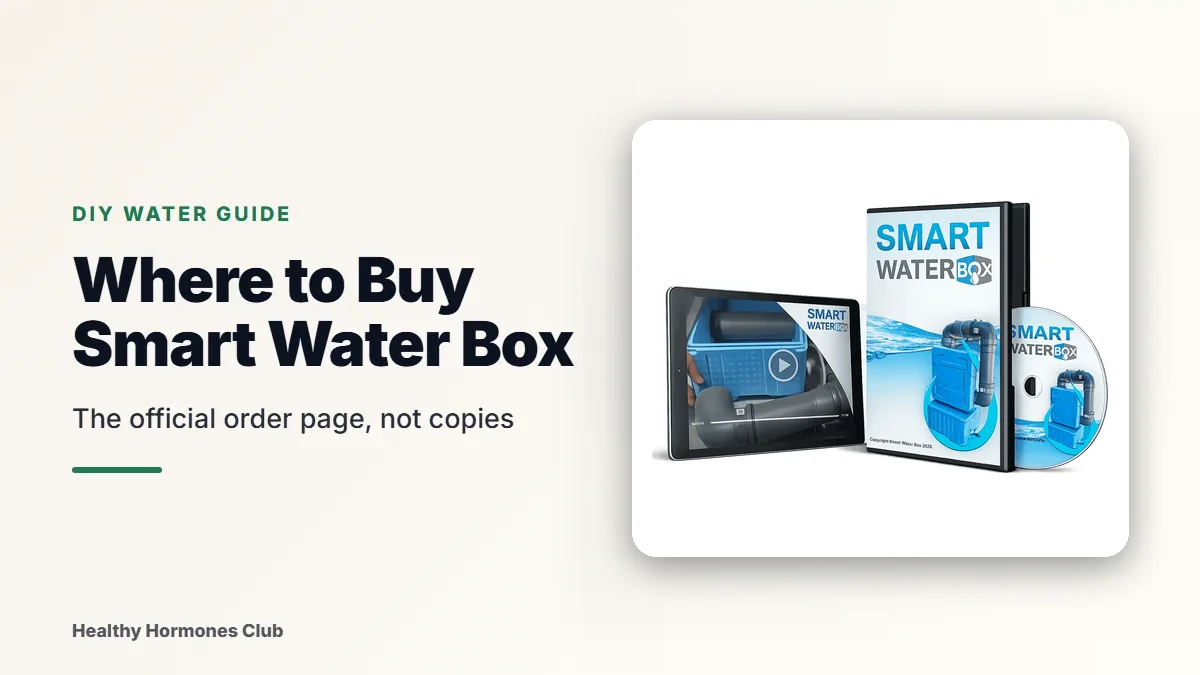
If you are asking where to buy Smart Water Box, the answer is the official order page. Our buttons open that page, and it is where the price, the format and the total are shown before you pay. The guide is sold through ClickBank, which is the retailer and runs the checkout. This article explains why the official page is the right route, what to check on it, and how to keep your order details in one place afterwards.
Start From the Official Order Page
The order page shows the current price, the format and the total. A 60-day money-back guarantee applies to your order.
Open the Official Order Page
60-day money-back guaranteeWhere to Buy Smart Water Box: Why the Official Route
The official order page is where the seller’s offer and the ClickBank checkout meet. That matters for three reasons. First, the price, the format and the total are shown on the page you are about to pay through, not on a summary somewhere else. Second, the 60-day money-back guarantee is tied to the order you place, so you want that order to be the one you can track. Third, the confirmation email that ClickBank sends is the record you will use for any question or refund request.
The seller’s main page does not show a price or a format, so the order page is the only place where you can see those details clearly before you commit. The Smart Water Box hub explains the offer in more detail, and it is a good read before you open the order page.
Why You Should Be Careful Elsewhere
We cannot confirm that any other seller offers this guide. A copy found on a site you do not know may not be the guide the seller sells. It may be incomplete or out of date, and it may not come with the seller’s refund route. If you are not sure where a copy came from, do not enter payment details on that site.
Read the web address before you pay, and check that the checkout is the one linked from the official order page. If the page looks different from the one you expected, stop and check again before you pay.
How to Order, Step by Step
Follow these steps to place your order:
- Open the official order page through our button, so you start from the right offer.
- Read the price, the format and the total on the page, including every line before the final payment screen.
- Confirm the 60-day money-back guarantee and the refund email route, which is [email protected].
- Pay through the ClickBank checkout.
- Keep the ClickBank confirmation email that arrives, and save it in a place you can find later.
If anything on the page does not match this article, email the seller before you pay and ask. A short question at this stage is easier than a refund request later.
Check the Price and Format on the Page
Confirm the price, the format and the total on the official order page, then choose whether the guide suits the project you have in mind.
See the Price on the Order Page
Price and format on the order pageWhat to Check on the Order Page
Use the checklist below before you enter any payment details. Each point is something the seller’s main page leaves out, so the order page is where you confirm it.
- The price. The main page shows none. Read the figure on the order page.
- The format. The main page does not say whether the guide is digital or physical. Look for the format line.
- The total. Read every line in the checkout, not only the headline figure.
- The guarantee. Look for the 60-day money-back guarantee and its refund route.
- The retailer. ClickBank should be named as the retailer.
If you cannot find one of these points, email [email protected] before you pay and ask. Keep the reply with your order details.
What to Keep After You Pay
After checkout, ClickBank sends a confirmation email. That email holds the order details, so treat it as your receipt. Keep it somewhere you can find it, and do not delete it when the guide arrives. If you need to ask a question about the checkout or the payment, ClickBank order support is available at clkbank.com.
For a question about the guide, the format or a refund, write to the seller at [email protected]. Include your full name and the order details from the confirmation email, so the seller can match your message to your order. If you need to ask for your money back, the refund policy article sets out the steps in order.
Keep Your Receipt Ready
Your ClickBank confirmation email is your record of the order. Keep it with the guarantee details, so any later question is quick to answer.
Get Smart Water Box
60-day money-back guaranteeThe Seller’s Disclaimer, Stated Plainly
The seller’s own disclaimer says the device is an experiment that was not technically assessed. It says some home alterations may be illegal in your town, city, state, province or country, and that it is your responsibility to check with your local authority. It also says the presentation is created for promotional purposes, and that the author uses a pen name. We include these points so you can read the offer as the seller’s own presentation, not as independent advice.
Before You Build Anything
Buying the guide is only the first step. Read the whole guide before you buy any parts, and check your local rules before any home alteration. The electrical side of any water-from-air build carries shock and fire risk, so follow electrical safety guidance and get qualified help for any mains work.
Water made by any home device should be treated or tested before drinking, and the output depends on humidity and temperature. The safety notes set out the water and electrical points in more detail, and the price guide explains how to check the figure on the order page. For the overview, start with the Smart Water Box hub.
Order Through the Official Page
When the price, the format and the guarantee on the order page match what you need, order there with your confirmation email saved.
Open the Official Order Page
60-day money-back guaranteeFrequently Asked Questions
Where can I buy Smart Water Box?
Order through the official order page, which our buttons open. The guide is sold through ClickBank, which is the retailer and runs the checkout.
Can I buy Smart Water Box from a marketplace or a file site?
We cannot confirm that any other seller offers this guide. Copies from sites you do not know may not be the guide the seller sells, and they may not carry the seller’s 60-day money-back guarantee.
What should I check before I pay?
Check the price, the format and the total on the order page, along with the 60-day money-back guarantee and the retailer name. The seller’s main page does not show the price or the format.
Who handles my order?
ClickBank is the retailer and runs the checkout. For order questions, use ClickBank order support at clkbank.com. For questions about the guide or a refund, email the seller at [email protected].
What do I keep after I order?
Keep your ClickBank confirmation email. It is your record of the order, and you will need its details if you ever ask for a refund.
Is there a physical copy I can order?
The seller’s main page does not state the format, so we cannot confirm whether a physical copy is offered. Check the format on the official order page before you pay.