You paid for The Genius Song, and the genius song download has not shown up, or the link or login does not work. This is a common snag with digital products, and it is almost always fixable. This guide walks through the checks in the order that solves most cases fastest, then tells you exactly who to contact for which problem, and what to do if nothing works.
A note first: the seller describes delivery two ways, as an emailed track to download and as login details for a “Private Audio Portal.” So the email you are looking for may contain a download, a login, or both. The steps below cover either.
Not Bought Yet?
Our link opens the seller’s official site. Use an email address you check daily at checkout, and access goes smoothly.
Visit the Official Website
Payment handled by ClickBankTable of Contents
Quick Diagnosis
| What you see | Most likely cause | First fix |
|---|---|---|
| No emails at all | Payment pending or typo in email | Check your card and the address you typed |
| Receipt, but no access email | Filtered to spam or promotions | Search all folders for “Genius Song” |
| Access email, but link fails | Browser, VPN or copied link issue | Try another browser or device |
| Login details rejected | Typo or extra spaces | Copy and paste carefully, then ask support |
| File or email deleted | Lost on your side | Ask product support to resend |
Problem 1: The Email Never Arrived
The video says the track is emailed “immediately,” or “in a matter of minutes,” and the ClickBank checkout says access is immediate “once payment is approved.” If you have waited more than 15 minutes, work through these steps:
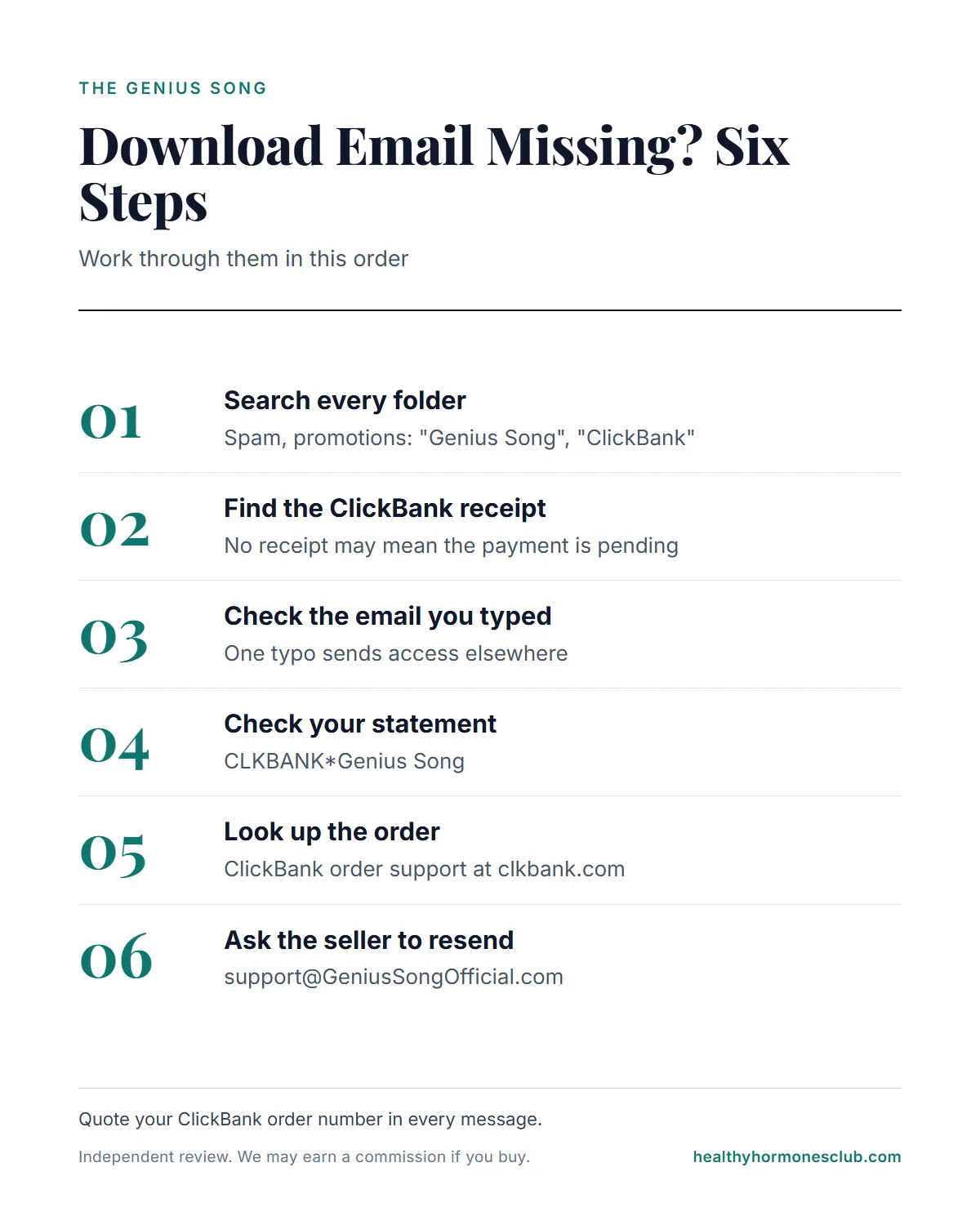
- Search every folder. Spam, junk, promotions, updates and “all mail.” Search for “Genius Song,” “ClickBank” and “GeniusSongOfficial.”
- Find the ClickBank receipt. If you have it, the payment went through. If you do not, your payment may still be pending or may have been declined.
- Check the email address on the receipt. A single typo sends everything to someone else’s inbox, or nowhere.
- Check your card or bank. A completed charge reads CLKBANK*Genius Song.
- Look up the order with ClickBank. ClickBank’s order support site, clkbank.com, can help you look up your order.
- Ask the seller to resend. Email [email protected] with your ClickBank order number and the email you used.
Problem 2: The Link or Login Does Not Work
If the access email arrived but the download link or portal login fails:
- Open the link in a different browser, or on a computer instead of a phone (or the other way around).
- Turn off any VPN or ad blocker for a moment and try again.
- Copy login details exactly. Extra spaces at the start or end are a common cause of rejected logins.
- Check storage space if a download starts but does not finish.
- Note the exact error message and send it to product support with your order number.
Because we did not buy the product, we cannot show you the seller’s download page or portal. If you want to understand what the seller says you should receive, our guide to what happens after you buy sets out both delivery descriptions word for word.
Questions Before Buying?
Product support is linked from the seller’s official pages. The checkout is ClickBank, with 90 days to request a refund.
Check the Current Price on the Official Site
Charge appears as CLKBANK*Genius SongProblem 3: You Lost the File or Email
The seller does not describe a customer account or a re-download page. So if you lose access later, your options are:
- Search your inbox, including the trash and archive, for the original access email. It can often be used again.
- If it is gone, email product support with your ClickBank order number and ask them to resend access.
- Next time, back up the file or store the login in a password manager.
The Terms license the track to one user for personal use, so a copy from a friend or a file-sharing site is not a fix. It also would not be the seller’s product as described.
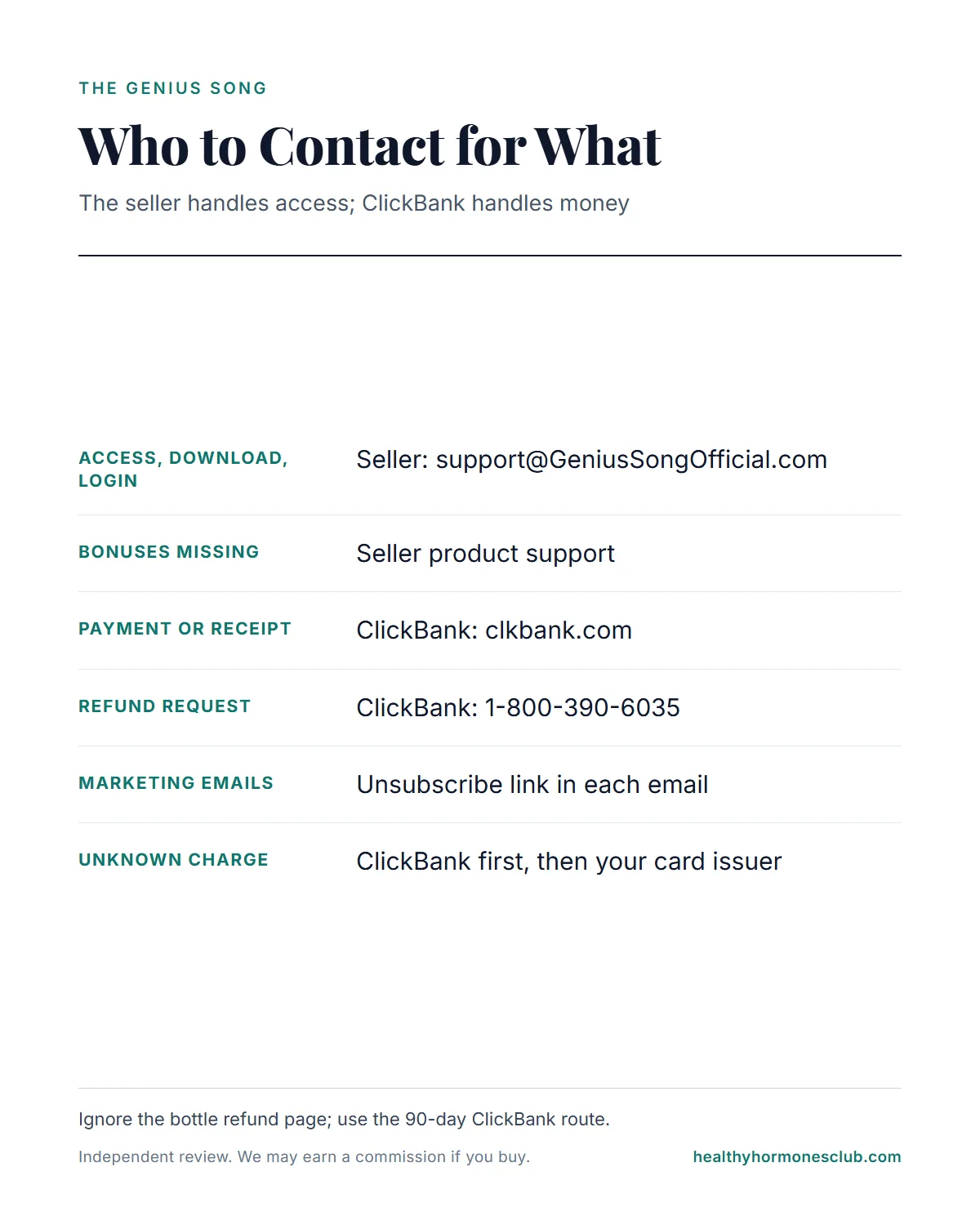
Who to Contact for What
| Problem | Contact |
|---|---|
| Access, download, login, bonuses | Seller: [email protected] |
| Payment, receipt, order lookup | ClickBank: clkbank.com |
| Refund request | ClickBank: 1-800-390-6035 or clkbank.com |
| Unwanted marketing emails | Unsubscribe link in each email |
| Charge you do not recognize | ClickBank first, then your card issuer |
We are an independent review site. We cannot look up orders, resend files or issue refunds, so please contact the seller or ClickBank directly.
Watch Out for Fake Access Messages
Buying adds you to marketing lists managed by HappyConsumerPublishing.com, according to the Terms, and those emails may promote third-party offers. That is normal for this seller, but it means your inbox will fill with offers. Be careful with any message asking you to “log in” or “re-enter your card” to restore access. Only use the access email you received right after checkout, and if in doubt, contact product support or ClickBank directly rather than clicking.
When to Ask for a Refund
If access never arrives, or the product is not what you expected, the Terms allow a refund on digital products “requested within 90 days of your initial purchase,” and the ClickBank checkout states the same window. Request it through ClickBank with your receipt.
Ignore the site’s separate refund page at /TOS/refunds/. It is a 60-day policy for bottles of a product called NeuroActivate, with an Ohio return address, and it does not fit a digital track.
Covered for 90 Days
If access fails or the track disappoints, ClickBank’s 90-day refund route applies to digital products.
See the Offer on the Official Site
Refund help from ClickBank: 1-800-390-6035If you are still deciding: the official site’s home page currently features the seller’s related audio, The Genius Wave; The Genius Song presentation is on the same site’s /video/ page. Check that the checkout names The Genius Song, since an order for the other product would bring a different delivery email. Our walkthrough of how the site and checkout work covers that step.
Keep expectations grounded. The presenter’s name, Dr. Robert Lake, is a pen name according to the site’s own disclaimer, and the Terms say testimonials may be acted or compensated and the products are “for entertainment purposes only.” No study has tested this product’s track. Our editorial score is 3.0 out of 5, our own rating rather than a customer average. If you are wondering what file type to expect, see what the seller says about the format.
Our safety advice once you have access: comfortable volume, never while driving or operating machinery, and ask a doctor first if you have epilepsy, a history of seizures or hearing problems.
Frequently Asked Questions
I paid but the Genius Song download email never arrived. What now?
Wait 15 minutes, then search every folder, including spam and promotions, for Genius Song, ClickBank and GeniusSongOfficial. Check the email address on your ClickBank receipt for typos. If you still have nothing, contact [email protected] with your order number, or ClickBank at 1-800-390-6035.
I have the ClickBank receipt but no download. Is my order real?
A ClickBank receipt with an order number means the payment went through. The access email is separate. Contact the seller’s product support with that order number and ask them to resend access.
My download link or login for The Genius Song does not work. What should I try?
Try another browser or device, turn off any VPN, and copy the link or login details carefully. If it still fails, email product support with your order number and a short description of the error.
I lost the Genius Song download. Can I get it again?
First search your inbox for the original access email, which you can usually reuse. If it is gone, contact the seller’s product support with your ClickBank order number.
Who handles what: the seller or ClickBank?
The seller’s product support ([email protected]) handles access and the product itself. ClickBank (clkbank.com, 1-800-390-6035) handles payments, receipts and refunds.
Can I get a refund if I never get access?
Yes. The Terms allow refunds on digital products within 90 days, and the ClickBank checkout states the same window. Request it through ClickBank with your receipt.
The Bottom Line
Most missing Genius Song download problems come down to three things: a filtered email, a typo in the address, or a pending payment. Search every folder, check your ClickBank receipt, then contact the seller’s product support with your order number. For payment and refund issues, go to ClickBank. And if access never works out, the 90-day refund window in the Terms and at checkout is there for exactly that.
Ordering for the First Time?
Type your email carefully, keep the receipt, and you will rarely need this guide. $39 once, 90 days to request a refund.
Go to the Official Website
Digital delivery, no shipping