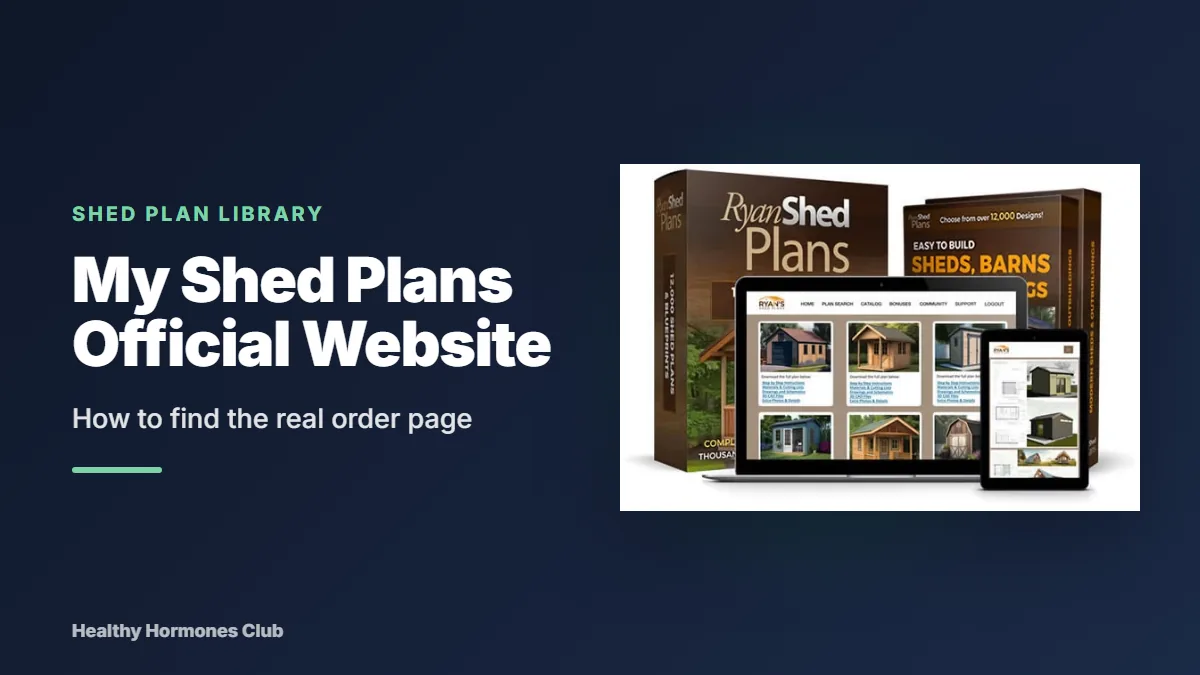
The My Shed Plans official website is myshedplans.com, and that is where the seller describes its shed plan library, states the $37 one payment and lists a 60-day money-back guarantee. This guide shows you how to find the real order page, what to look for on it and how to reach the offer safely. We read the seller’s public pages to write it. We did not place an order, and we do not guide you to any copy of the site.
Reach the $37 Order Page Safely
Our button goes to the order page for the $37 offer. Check the domain and the price on the checkout screen.
Open the Order Page
Checked November 24, 2026Table of Contents
My Shed Plans Official Website Address
Type the address yourself: myshedplans.com. The seller’s pages use the name RyanShedPlans on the logo, the box and the page title, so you may see that name in search results as well. The domain is the address to check, and the name is the one to match against your receipt. Our product page uses the same address. If a link takes you to a domain with a different spelling, a different ending or extra words, do not enter any details there.
The seller’s pages also name ClickBank as the retailer of the product. That is why the order step runs through a ClickBank checkout rather than a page on the seller’s own domain. Knowing this in advance helps you spot a page that asks for payment through a different service.
What the Official Pages Show
The official pages present the library in plain terms. They describe a collection the seller says holds about 12,000 plans, with materials lists, cutting lists, step-by-step instructions and 3D CAD views. They list roof styles from gable to saltbox, and they say new plans are added each month. They also state the $37 one payment and the 60-day money-back guarantee, and they name a support desk that works through ticket forms.
The pages also say that plans come as zip files of PDFs and that a free PDF reader is needed. The seller notes that the downloads are large. Those details are useful before you pay, because they tell you what the product is and what you will have to install.
Match the Official Details
Compare the domain, the $37 price and the 60-day guarantee on the order page with what the official pages state.
Check the Order Page
One payment · 60-day guaranteeHow to Tell the Real Order Page
Run through this short list before you enter any card details:
- The domain is myshedplans.com. Any other spelling is a warning sign.
- The price is $37 in one payment. Any monthly charge or a different total needs a second look.
- The product is described as a shed plan library. A page that promises a finished shed, or a shed built for you, is not the seller’s offer.
- ClickBank is named as the retailer. The seller’s pages say so, and the checkout should match.
- The guarantee is 60 days. A different number or a different claim means the page is not the one we describe.
If one of these does not match, close the page and start again from our button or from the seller’s domain typed in by hand.
Copies and Marketplace Listings
Shed plan libraries are copied often. Some copies sit on resale sites, marketplaces or file-sharing pages, and they may offer the plans for less or for nothing. Those copies carry no guarantee from the seller, they may not include the support route, and they may not include the full set of files. A copy that asks for your card details on a page you did not reach from the seller’s domain is one to avoid. Our where to buy guide explains the order path in more detail.
Reaching the Order Page Step by Step
- Open our button, which goes to the $37 order page.
- Check the domain and the price on the checkout screen.
- Read any optional item, such as the PC DVD-ROM, and its price before you add it.
- Pay, then save your confirmation email.
- If you have a question, use the seller’s ticket form on the official site and quote your order details.
Each step is a check you can do in a few minutes. None of them requires an account on a third-party site.
Start From the Right Page
Open the $37 order page, confirm the total and keep the confirmation email in a folder you can find.
Go to the $37 Order Page
ClickBank checkoutWhat the Checkout Page Should Show
Once you reach the order page, the checkout should match what the seller’s pages describe. Look for the $37 offer as one payment, the product named as a shed plan library, and a total that matches the figure you read on the official pages. If an optional item appears, such as the PC DVD-ROM, its price should be shown before you confirm. A checkout that hides the total, or that adds a recurring charge you did not expect, is a reason to stop and contact the seller before you pay.
The seller’s refund terms sit on its pages and in the order details you receive afterwards. Before you pay, note the 60-day money-back guarantee and the support route, so you know where to turn if something does not match. Keep a screenshot of the checkout total, since it is the figure you agreed to. The My Shed Plans product hub lists the same offer details, so you can compare them side by side.
Compare the Checkout With This Page
If the total and the offer match what you read here, the $37 library is ready to order from the same link.
Check the $37 Checkout
One payment · 60-day guaranteeAfter You Order
Once you have paid, the confirmation email is your key document. It holds the order details that the seller’s support desk asks for, and it is the record you need if you ever ask for a refund under the 60-day guarantee. The seller’s help desk works Monday to Friday, 8am to 6pm, through ticket forms rather than a phone line. Keep copies of every message you send. Our money-back guarantee post lists the refund routes we can confirm, and our legitimacy check covers the seller details in one list. The My Shed Plans product page is the hub for the rest of the facts.
Frequently Asked Questions
What is the My Shed Plans official website?
The official site is myshedplans.com. Its pages describe the plan library, list the $37 one-payment offer and state a 60-day money-back guarantee.
Where is the order button on the official site?
The add-to-cart buttons on the seller’s pages lead to a ClickBank checkout page. That checkout is the order page, and ClickBank is the retailer named on the seller’s site.
How do I know I am on the real order page?
Check that the domain reads myshedplans.com, that the product matches the seller’s description, that the price is $37 in one payment and that ClickBank appears as the retailer. Starting from our button helps you avoid copies.
Can I buy My Shed Plans on Amazon or eBay?
The seller’s pages point to its own order process through ClickBank. We do not list marketplace copies, and a copy from a third party carries no guarantee from the seller.
Who do I contact after I order?
The seller’s support pages use ticket forms, with a help desk open Monday to Friday, 8am to 6pm, per the seller. Keep your confirmation email, since it holds the order details the desk asks for.