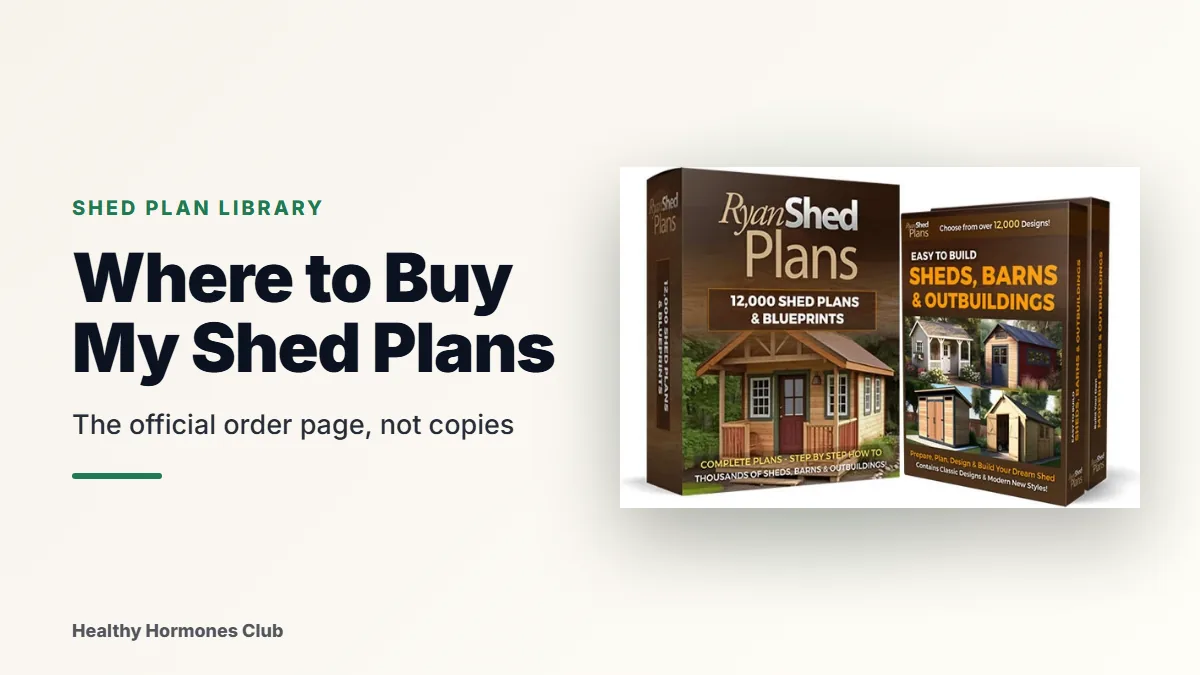
Where to buy My Shed Plans is a short answer with a few steps behind it. Order only on the official order page, which our button opens, and pay $37 in one payment. The seller’s pages name ClickBank as the retailer. Skip resellers, marketplace listings and file sites that offer copies of the same plans. This guide lists the steps, explains why the order page matters and shows what to keep once you have paid. For the full product view, see the My Shed Plans product page.
Open the Official Order Page
Our button goes to the order page for the shed plan library, where the one payment of $37 is shown.
Open the Order Page
One payment of $37Table of Contents
Where to Buy My Shed Plans: The Short Steps
Buying the library takes a few minutes if you follow the order:
- Click our button to open the order page for the shed plan library.
- Check the offer. It should show one payment of $37 for the library and its bonuses.
- Read the checkout total before you confirm, including tax and any optional item such as the DVD.
- Pay, then wait for the confirmation.
- Save the confirmation email and log in to the members area to find your files.
That is the whole route. The offer we checked needs no discount code, and the order page is the only step between our button and your payment.
Order the Shed Plan Library
One payment of $37 for the plan library with its four bonuses, through the order page our button opens.
Go to the Order Page
60-day money-back guaranteeWhy the Order Page Matters
The order page is where the seller’s terms, the price and the retailer meet. The seller’s pages name ClickBank as the retailer, and the support route the seller describes, along with the 60-day money-back guarantee, is tied to the seller’s own order. A copy from another source may not carry any of those.
The order page also shows the total you will pay. That matters because a reseller may add a markup or a fee, and a file site may offer a copy with no support at all. The official page keeps the price and the terms in one place.
The seller’s official site is myshedplans.com, written here as plain text. Our button leads to the order route for this library, and the offer on that page should match the price in this guide.
For how the library works after you buy, read our what is My Shed Plans guide and the PDF guide.
Sources to Avoid
Some places sell or share shed plans that look like this library. We advise against buying from them:
- Resellers and marketplace listings that do not name the seller or the retailer.
- File-sharing and download sites that offer PDFs for free or for a small fee. Those copies are not this library, and they carry no seller support.
- Pages that ask for payment details before they show the offer and the total. Read the offer and the total first.
- Any page that claims to be the seller and does not match the name on the order page.
- Look-alike domains. A copy can differ from the real name by one letter or by an added word. Compare the name on the page with the name in this guide before you enter any details.
If a page looks wrong, close it and use our button instead. Our official website guide explains how the genuine page is shown, and the legit check in our guide explains what to look for.
Order Once, Then Open Your Files
One payment of $37 for the shed plan library and its bonuses, through the official order page our button opens.
Order the Shed Plans
Confirmation email to keepWhat to Check at Checkout
Before you confirm payment, look at four things on the order page:
- The main offer should be one payment of $37 for the shed plan library.
- The optional items. The seller offers a PC DVD-ROM of the core plans at checkout. Its price was not on the page we checked, so read it before you add it.
- The final total, including any tax the page shows.
- The name on the order. The seller brands the library RyanShedPlans on its page and box, so expect that name next to My Shed Plans.
If the total or the offer does not match what you read here, stop and check again. Our My Shed Plans price guide has the full breakdown.
What to Keep After You Pay
Keep your confirmation email. It holds the order details you need if you contact the seller’s support desk or ClickBank order support. Save a copy in a folder with your receipts, and note the date you paid. Those details make any question about your order quicker to answer.
Also keep the members-area access details from the order. You need them to download the zip files, and the files are large, so start the download when you have time.
Start Your Order Today
Order through the official page for one payment of $37, then keep your confirmation email with the order details.
Order My Shed Plans ($37)
One payment · confirmation emailChecking the Price Before You Order
Before you pay, read the offer on the order page. Check the price, the payment type and any optional item. Our price guide explains each line, so you know what to look for. If the page shows a figure that differs from the one in this guide, go with the total on the checkout screen and note the difference for your records.
If the order page looks different from what you expected, pause before you pay. Pages change, and a page you cannot match to this guide is not a reason to enter payment details. Close the tab, reopen our button and start again from the offer.
After You Order: Finding Your Files
Once the order is through, your files live in the members area. Log in with the access the order gives you, find the library and download the zip files one at a time. Extract each one into a folder, then open a PDF to check it before you need it in the shop. A quick check now saves a search later.
Frequently Asked Questions
Where can I buy My Shed Plans?
Order through the official order page, which our button opens. The seller’s pages name ClickBank as the retailer. Avoid resellers, marketplace listings and file-sharing sites that offer the same plans.
How much does it cost to buy My Shed Plans?
The seller lists $37, paid in one payment. Read the checkout total before you confirm, since tax and any optional item appear there.
Is there a monthly fee?
The offer we checked is one payment of $37, and we saw no monthly charge on the page. Read the order page and the checkout screen before you pay.
Can I buy My Shed Plans on Amazon or eBay?
The seller’s pages point buyers to the order page our button opens, and ClickBank is the named retailer. We do not recommend buying from a listing that is not that page, because a copy elsewhere may not carry the seller’s support or guarantee.
What do I keep after I buy?
Keep your confirmation email. It holds the order details you need if you contact the seller’s support desk or ClickBank order support.