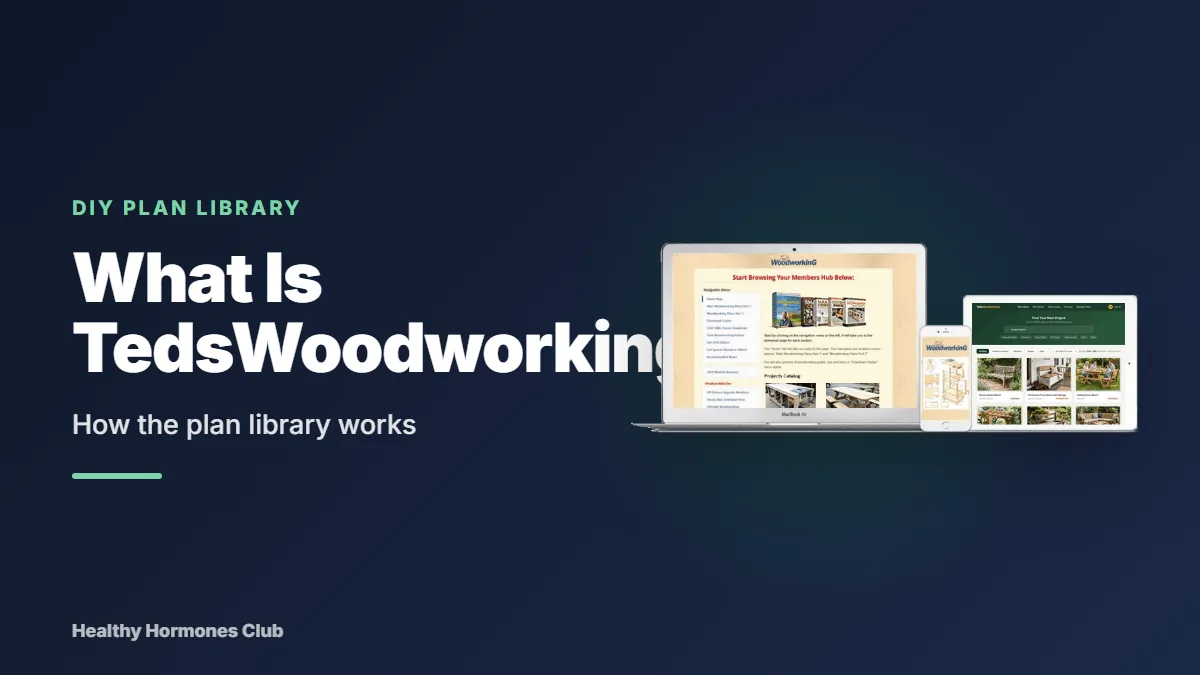
A good woodworking plan can turn a weekend idea into a finished bookshelf, planter or storage bench. The hard part is finding one that lists every piece, shows how the parts fit and tells you what to buy before you cut. TedsWoodworking is built around that need. It is a members-area library of woodworking plans, and the seller says each plan comes with step-by-step instructions, exact cut lists and complete materials lists.
This guide answers one question clearly: what is TedsWoodworking, how the library works and what you get. If you want the cost first, our TedsWoodworking price guide covers it in detail.
See What the Plan Library Holds
Searchable woodworking plans with cut lists and materials lists, in PDF and DWG, for $67 in one payment.
Open the Plan Library
Checked November 24, 2026Table of Contents
What Is TedsWoodworking in Plain Words
TedsWoodworking is an online library of woodworking plans. You join through the seller’s order page, log in to the members area and then search the plans. Each plan is a set of instructions for one project, such as a bookcase, a picnic table or a garden shed. The seller says the library holds about 16,000 plans, and that figure comes from the seller.
Think of it as a plan shelf you can search from a phone, tablet or computer. You do not buy one plan at a time. The seller states that plans cannot be bought individually, so the library is the product, and every plan you open sits inside it.
What makes it useful for a hobby builder is the detail on each plan. The seller says every plan includes step-by-step instructions, an exact cut list, a complete materials list and multi-angle drawings with exploded views. Those four pieces answer the questions that come up at the bench: what to cut, how many pieces you need, what to buy and how the parts fit together.
How It Works, Step by Step
- Join through the order page. Our button opens the seller’s order page, where ClickBank handles the payment. The seller lists $67 in one payment.
- Log in to the members area. The seller’s FAQ says you can reach the library from a phone, tablet or computer once you log in.
- Search or filter. Type a keyword, or filter by category and skill level. The seller says you can sort plans by difficulty.
- Open a plan and read the lists. Start with the materials list, then the cut list, then the drawings. Reading in that order keeps your shopping trip short.
- Download the files. Plans come as PDF and DWG files. Our PDF guide explains which reader each file needs.
- Build in your own shop. Adjust for the wood you can buy locally and the tools you already own. For a full list of what the library holds with each project, see the what’s included page.
Start Searching the Library
Filter by category and skill level, then open the plan that matches the space you have.
Browse the Plans Now
One payment of $67Inside the Plan Library
The library is organized by category. The seller’s list runs from furniture and storage to outdoor and garden, buildings and shelters, animal and pet, home decor, kitchen and dining, kids and recreation, workshop and tools, and specialty projects. Those categories help when you want a bench for the porch but do not yet know which plan will suit it.
Search matters just as much. Once you know the skill level you want, you can filter the list so it fits your experience. The seller says most plans are beginner plans, with the rest at intermediate and expert levels. That split is the seller’s own description, so check the label on each plan before you start.
A library is only as useful as it is easy to search. A keyword such as “shelf” or “bench” brings up related plans in seconds, and you can compare two or three drawings side by side before you pick the one that fits your room, your wood and your budget. The TedsWoodworking buyer guide lists the same categories in one place, so you can plan a season of projects before you order.
New Plans and Custom Requests
The seller says new plans are added every month, with five to eight new projects in a typical month. Members can also use a custom plan request form in the members area. The seller says you can ask for a plan you cannot find, and that there is no extra charge for it.
For a builder who keeps coming back, that steady flow gives you a reason to open the members area again. You can plan the next season’s projects from what is new, instead of starting your search from scratch each time.
Find Your Next Project
Browse the current plans and the monthly additions, and send a custom request if you need something specific.
Explore the Library
60-day money-back guaranteeWhat You Need Before You Start
The library does not supply tools or lumber. The seller says most plans need a table saw, a drill, clamps and a sander. Begin with the tools you already own, and read each materials list before you buy. A plan that needs one new tool is often a better first build than one that needs five.
Power tools need care. Follow each tool’s manual, wear eye and hearing protection, and keep your hands clear of the blade and the bit. A beginner label describes difficulty, not safety.
Plans are also not made to meet any building code. The seller’s FAQ says so and asks builders to check with their local building department before they start a shed, a deck or any other structure. That check takes a few minutes, and it is worth doing before the first cut.
Who TedsWoodworking Is Built For
- The first-time builder who wants a clear step list and a materials list to follow.
- The hobbyist who likes to browse, compare plans and pick the next project as skills grow.
- The household where more than one person builds and wants one place to search.
- The builder with a specific job who needs drawings for a shed, a bunk bed or a cabinet.
If you already know your design and want only one plan, a single plan book may be simpler. If you want many options in one place, with cut lists and drawings for each, the library is the better match. Our buyer guide lists the categories so you can see which ones match your plans.
What It Costs
The seller lists $67 in one payment. The price guide covers the offer in more detail, including the bonuses and what to check on the order page. Read the total at checkout before you confirm, since tax or optional extras can appear there.
Get the Library for $67
One payment for the plan library, with the seller’s bonuses and a 60-day money-back guarantee.
Get Instant Library Access
One paymentYour Money Back if It Is Not Right
The offer includes a 60-day money-back guarantee. Contact the seller through its support page with your order details, keep your confirmation email, and the seller says it refunds within 48 hours. Our money-back guarantee guide walks through the request step by step.
Frequently Asked Questions
What is TedsWoodworking?
TedsWoodworking is an online library of woodworking plans. The seller says it holds about 16,000 plans, each with step-by-step instructions, cut lists, materials lists and exploded-view drawings.
What file formats do the plans come in?
The seller says the plans come as PDF and DWG files. A free PDF reader opens the PDFs, and the DWG/CAD Plan Viewer bonus opens the DWG files.
How much does TedsWoodworking cost?
The seller lists $67 in one payment, checked on November 24, 2026. Read the total on the checkout screen before you confirm.
Do I need woodworking experience?
The seller says most plans are beginner plans, with the rest at intermediate and expert levels. Check the skill label on each plan before you start.
Are new plans added?
The seller says new plans are added monthly, and members can send a custom plan request through a form in the members area.
Can I get my money back?
Yes. The seller offers a 60-day money-back guarantee. Contact the seller through its support page with your order details, keep your confirmation email, and the seller says it refunds within 48 hours.