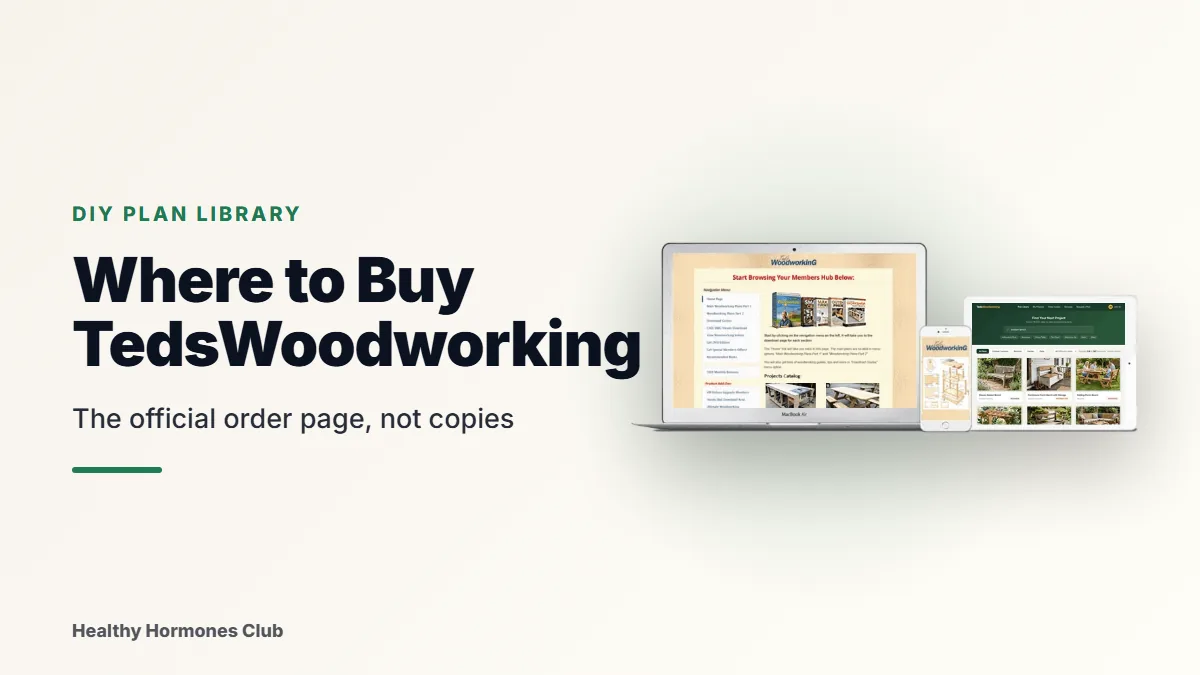
Once a plan library looks like a fit for your projects, the next step is simple: where to buy Teds Woodworking and how to place the order without surprises. The short answer is the seller’s official order page, which our button opens. From there, ClickBank handles the payment and the members area gives you the plans.
This guide walks through the order in plain steps, so you know what to expect at each screen. If you want the price details first, our TedsWoodworking price guide lists the offer.
Order Through the Official Page
Our button opens the seller’s order page for the plan library at $67 in one payment.
Open the Order Page
Checked November 24, 2026Table of Contents
Why Order Through the Official Page
The official order page is the one that connects you to the members area, the plans, the bonuses and the seller’s support page. The seller’s 60-day money-back guarantee is offered on its own order flow, and its support page asks for your order details when you write in.
ClickBank is the retailer on the order. That gives you a second route for order questions at clkbank.com, alongside the seller’s own support page. You keep both routes in mind, and you avoid the confusion that comes with a copy page, a marketplace listing or a file-sharing site that is not the seller’s library. Think of the official order page as the front door to the library. Once you are through it, the TedsWoodworking buyer guide shows what sits inside, from the categories to the bonuses.
Where to Buy TedsWoodworking: The Order, Step by Step
- Click our button. It opens the seller’s order page for the plan library.
- Read the offer. Check that it lists $67 in one payment for the plan library and its bonuses.
- Enter your details. Use an email address you check often, since your login and order details go there.
- Choose your payment. The seller’s FAQ says payments are made by card or PayPal.
- Confirm the total. Look at the final amount before you press the last button.
- Save your confirmation. Keep the email and the order number in one folder.
Start Your Order in Minutes
Follow the steps on the official page, confirm the $67 total and keep your confirmation email.
Place Your Order
One paymentWhat to Check at Checkout
The checkout screen is the place to slow down. Look for three things:
- The product name. It should read TedsWoodworking, the plan library.
- The price. The seller lists $67 in one payment. Any extra line, such as tax or an optional copy, should show its own amount before you pay.
- The optional copy. The seller also offers a DVD or USB copy at checkout. The price for that copy appears on the order page, so read it there and add it only if you want it.
If a line on the page does not match this guide, stop and read it again. The total on the checkout screen is the final amount for your order.
Our official website guide explains how the order page is laid out, and the where to buy page in our catalog repeats these steps in short form.
Ordering From a Phone or Computer
Many people look at the plan list on a phone and then finish the order on a laptop. Either device works, as long as the order page stays open on the same device for the whole checkout. Keep it in one tab, avoid refreshing in the middle of the payment step, and wait for the confirmation screen before you close anything.
A larger screen makes the checkout easier to read. Use it for the total and the payment details, and use the phone for the email check afterwards. If a payment window opens separately, keep it open until it finishes, so the order is complete when you see the confirmation.
Order Once, Start Today
The official order page shows the $67 offer. Finish checkout on the device you prefer and keep the confirmation.
Start Your Order
One paymentWhat to Do in the First Hour
The first hour after you order is a good time to set up. Open your confirmation email and save it in a folder with a clear name, such as “TedsWoodworking order.” Then log in to the members area and confirm that you can see the plan list. Download one PDF, open it and print the materials list to check that the file works on your printer.
Next, install the DWG/CAD Plan Viewer if you plan to use the DWG drawings. Our TedsWoodworking buyer guide lists the categories, so you can pick a first project that fits your tools and your space. The PDF guide covers printing and reading in more detail.
Set Up Your Library Today
Log in, download a plan and pick the project you want to start first, with the 60-day money-back guarantee in place.
Open the Order Page
60-day money-back guaranteeAfter You Pay
Your confirmation email is the first thing you need after the order. It holds the order number and the details that support will ask for if you contact them. Store it with the receipt, and add a note with the date you bought the library.
Next, log in to the members area with the details from the confirmation. The seller says the library works on a phone, tablet or computer. Open one plan, download the PDF and check that it prints correctly before you buy any lumber. Our PDF guide walks through that check.
Keep the confirmation in your inbox for the whole time you use the library, not only for the first week. It is the simplest record of your purchase date, your order number and the amount you paid, and it helps if you contact the seller or ClickBank later.
If you need to ask for a refund, the steps are in our money-back guarantee guide. Having the confirmation email at hand makes the request quick.
Other Places You May See It
You may come across TedsWoodworking mentioned on other pages, in marketplace listings or on sites that copy plan files. Those places are not the seller’s order page. A listing elsewhere may not include the members area, the full set of plans or the seller’s support route. For a clean order with the guarantee in place, use the official order page through our button.
Frequently Asked Questions
Where can I buy TedsWoodworking?
Order through the seller’s official order page. Our button opens that page, and ClickBank is the retailer that handles the payment.
How much do I pay for TedsWoodworking?
The seller lists $67 in one payment, checked on November 24, 2026. Read the total on the checkout screen before you confirm.
Can I buy TedsWoodworking on Amazon or eBay?
This guide points to the seller’s official order page. Listings on other marketplaces or file-sharing sites are not the seller’s library, so order through the official page to get the members area and the guarantee.
How do I log in after I order?
Use the login details from your order confirmation to reach the members area, which the seller says works on a phone, tablet or computer.
What payment methods are accepted?
The seller’s FAQ says payments are made by card or PayPal. The options on the ClickBank checkout screen are the ones that apply to your order.
Who do I contact about an order?
Contact the seller through its support page with your order details. ClickBank order support is also available at clkbank.com.