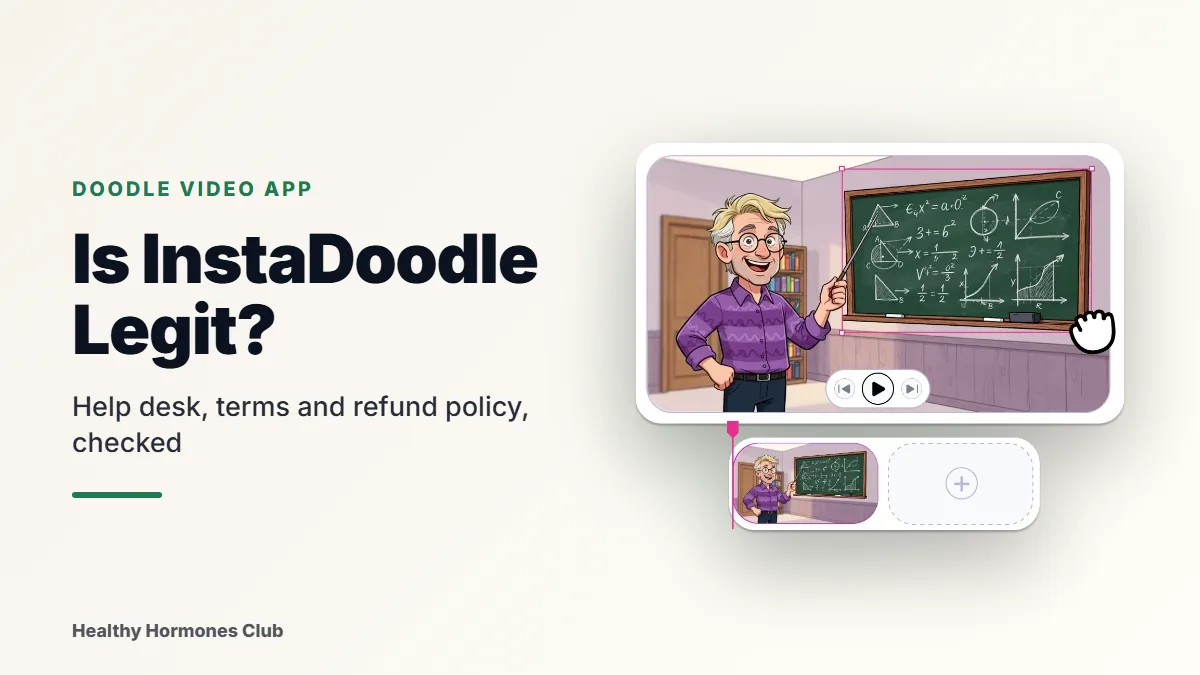
People who ask is InstaDoodle legit usually want one thing: proof that the app is a working product, that the seller stands behind it and that the order process is clear before any money changes hands. This guide walks through that checklist. Every point comes from the seller’s own pages, terms and refund policy, as they read on November 24, 2026, and we say where the public pages leave a gap. If you want the product itself first, our InstaDoodle review covers the app.
Check the Seller’s Pages Yourself
Open the official order page, read the plan and the refund terms, then go ahead with the facts in front of you.
Open the Order Page
Checked November 24, 2026Table of Contents
What Legit Means for an Online App
For a cloud app, legit usually comes down to four things: the product works as described, the seller answers questions through a real channel, the terms are written down, and the refund rules are stated before you pay. InstaDoodle’s public pages cover all four, and the sections below take each one in turn.
It helps to separate the product from the purchase. The product is the app you use to make doodle videos. The purchase is the monthly plan you pick on the order page. You can check the app’s description on the seller’s site, then check the purchase terms separately. For the full product page, see the InstaDoodle hub.
A Working Product You Can Open
InstaDoodle is a browser-based tool. The seller describes it as 100% cloud based, so there is nothing to download, and it runs on Mac, Windows and other devices with a modern browser. The seller’s pages show the editor, the DoodleAI prompt box and the animation options, which match what the app is supposed to do.
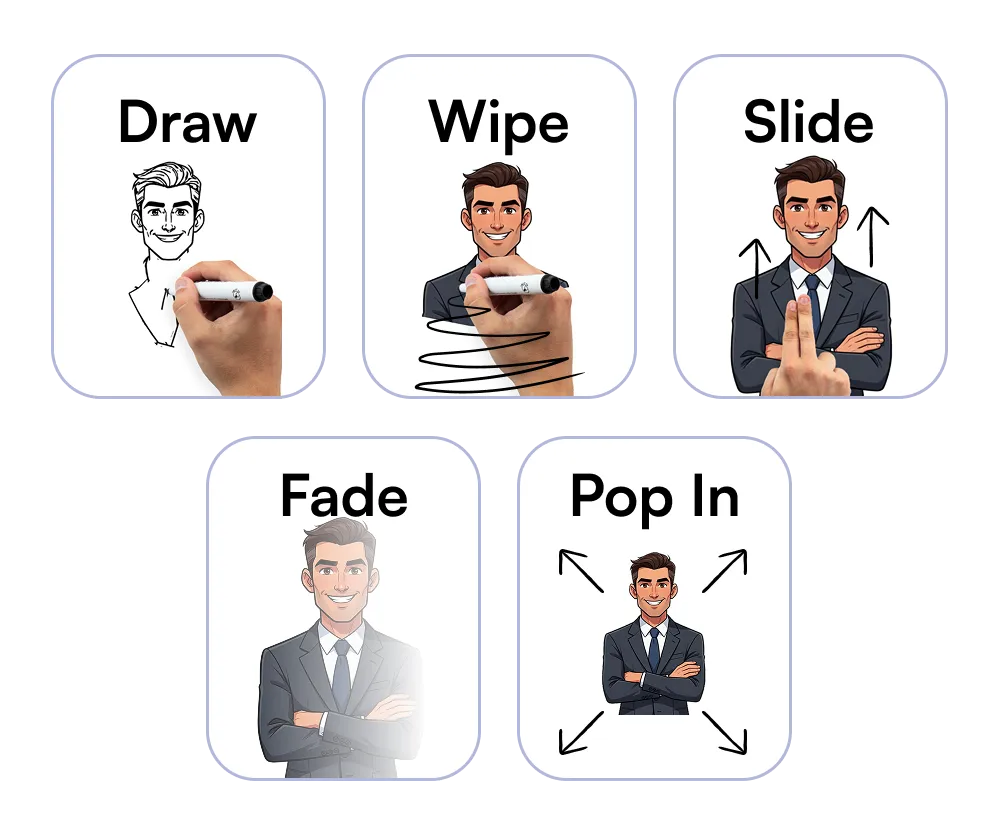
Seeing the feature is not the same as using it, so you can see how the workflow feels once you have an account. If the editor does not suit the way you work, the 60-day guarantee and its credit rule are the terms to read before you settle on how much to use.
The Help Desk and Contact Pages
A legit seller should answer questions through a route you can check, and InstaDoodle lists one. Its support desk is at help.instadoodle.com, where you open a ticket. The site also has a contact page, and the account login is at instadoodle.app/user/login. Use the ticket route for anything about billing, refunds or access, because the refund rules ask for specific details that a ticket can carry. The safety page covers the practical points on uploads, AI output and your data, which is worth reading before you open a ticket about them.
Keep the Support Route Handy
Save the help desk address and your confirmation email before you start building scenes.
Get InstaDoodle
Monthly plans from $47Published Terms and Refund Policy
The seller publishes its terms and a refund policy on its own site. The terms describe how the service works, including that prompts, uploads and projects are processed by the seller and third-party AI providers, and that AI output may not qualify for exclusive copyright protection. The refund policy sets out the guarantee period, the credit condition and the request steps. Reading both documents takes about ten minutes, and it is the best use of that time before you order.
Some text on the seller’s pages uses older checkout wording that does not match its monthly plans. We read the plan names and billing terms on the official page, and the order page is where you confirm the plan and total. If anything on the page differs from the plan you see at checkout, use the help desk before you pay.
Reading the terms with a notepad is a useful habit. Write down the plan name, the monthly price, the cancellation rule and the guarantee period in one line each, then compare those four lines with the order page. If they match, you have checked the core terms against the page you pay on. If they do not match, the help desk can settle the difference before any charge is made.
The 60-Day Guarantee and Its Credit Rule
The seller offers a 60-day money-back guarantee. The refund policy adds a condition that matters for a credit-based app: a refund is not available if more than half of the included AI credits have been used. That rule is written into the seller’s own policy, so it is the first thing to understand about the guarantee.
To request a refund, use the help desk with the subject Refund Request, your account email, your purchase date and your order number. The seller says it submits eligible refunds within 7 calendar days of having enough information. Keep your confirmation email, because the order details in it make the request faster.
Read the Refund Rules First
A 60-day money-back guarantee with the credit rule stated plainly, so you know the terms before you start.
See the Plans and Terms
Credit rule appliesMonthly Billing and Cancelling
The three plans on the official page are monthly: Standard at $47, Pro at $67 and Agency at $127 a month. The seller says each one has no contract and can be cancelled at any time. Cancelling stops future renewals. It does not, by itself, request a refund, so if you want money back, make that request through the help desk.
Check the billing details on the order page before you confirm. Read the plan name, the monthly price and the total shown at checkout, and note which date the first renewal falls on. Our InstaDoodle price guide sets out the three plans side by side, and the InstaDoodle hub links to the rest of the product pages.
Order Only Through the Official Page
Monthly plans from $47, with the guarantee and credit rule shown before you pay.
Open the Official Order Page
Cancel anytime, per the sellerOrdering Through the Official Page
The safest way to order is through the official order page. Our button opens that page, and the seller’s pages name the official domain as instadoodle.com. Type that address yourself if you prefer to start from the seller’s own site, and do not pay through a reseller or a third-party listing that asks for the same card details.
Frequently Asked Questions
Is InstaDoodle legit?
The seller publishes terms, a refund policy, a help desk and a contact page, and it lists a 60-day money-back guarantee. Order only through the official order page, read the plan you pick, and keep your confirmation email.
Where is the InstaDoodle help desk?
The seller’s support desk is at help.instadoodle.com, where you open a ticket. The site also has a contact page, and the account login is at instadoodle.app/user/login.
Does InstaDoodle have a company name and address on its pages?
The pages we read do not show a company name or postal address in the text. The terms say the contracting seller is identified at checkout and on your receipt, so check those documents when you order.
Is the InstaDoodle subscription really cancellable?
The seller’s official page says each plan can be cancelled at any time with no contracts. Cancelling stops future renewals, and it is a separate step from asking for a refund.
What should I check on the order page?
Check the plan name, the monthly price, the total shown at checkout and any tax, and the refund terms. The order page is the final word on what you pay.