A cloud tool that uses AI raises a few practical questions: where your prompts go, who can use what you make, and what happens when a monthly plan renews. This page sets out those points as the seller describes them, so you can check them before you order. It is general information, not legal advice.
Check the terms, not only this page. The seller’s terms set the rules for data, AI output and licences. This page summarises them for buyers and does not replace them.
Read the terms before you upload
Check the seller's terms and the commercial licence for your plan on the order page before you start a project.
Order InstaDoodle Monthly plans from $47 · 60-day money-back guaranteeHow the cloud app handles your work
InstaDoodle is a cloud web app. Your prompts, uploads and projects are processed on the seller’s systems, and the seller’s terms say some of that processing is done by third-party AI providers. You do not need to install anything, but that also means your work leaves your device when you use the editor.
Think about what you put in. A prompt that names a private person, an upload of someone else’s photo or a script with confidential details is a choice you make. Keep private material out of the editor unless you have confirmed the seller’s terms cover it.
Upload only what you have the right to use
Use your own images and audio, or material you have permission to use. Music, photos and voices from other people can carry rights that a plan does not give you. The editor will accept an upload, but the rights question is yours to answer before you publish.
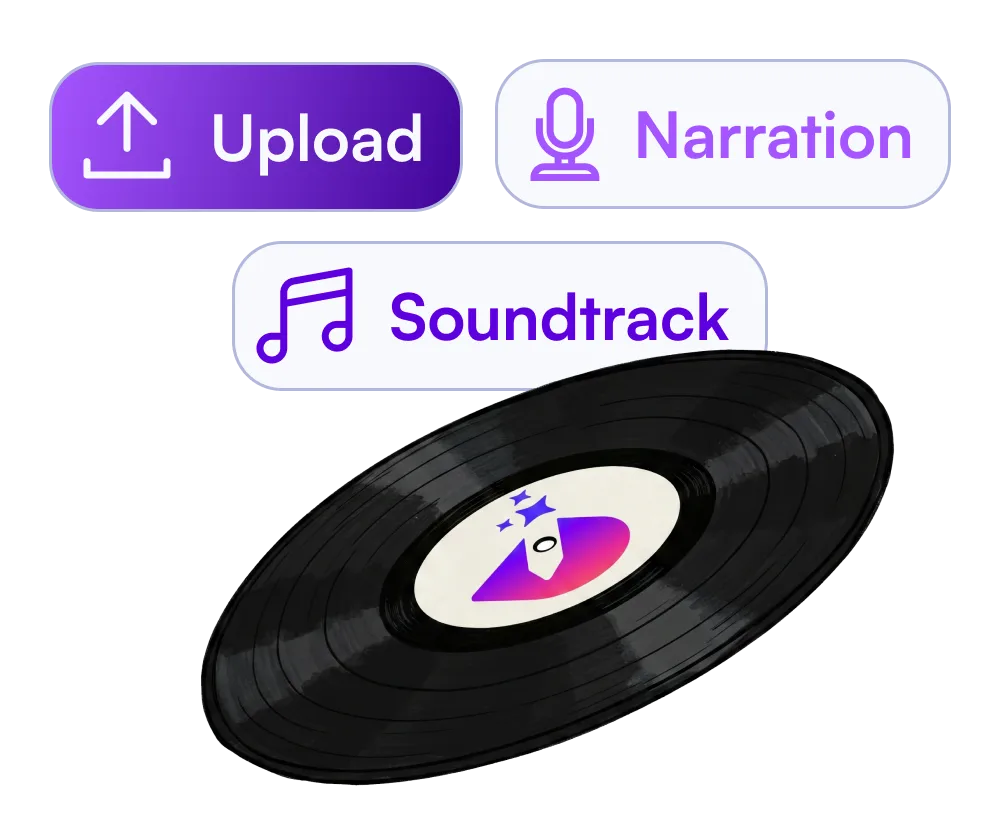
The voiceover panel above shows the audio options: upload, narration and soundtrack. Use the upload option only for audio you have the right to use.
AI output and copyright
The seller’s terms say AI output may not qualify for exclusive copyright protection. In plain words, a drawing or video generated by the tool may not be something you can fully own or stop others from copying. This matters if a video is your brand’s main asset, or if you plan to sell it as a product.
Review each output before you publish it. Check that a character, element or line of text does not copy someone else’s work, and that the video says what you mean. The seller’s terms point to the same review step.
The commercial licence, by plan
The seller lists a commercial licence on the Pro and Agency plans. The terms say agency, team, commercial or reseller rights apply only to the extent expressly included with your purchase. The seller also says you may not resell access to the platform.
On Standard, check the plan terms before you use videos for clients or for resale. Do not assume a commercial right that the plan does not list. If you need client work, read the licence for the plan you choose before you order.
Credits and the guarantee
Credits are the seller’s usage measure for AI work. The seller’s terms say the cost of each action may change. The refund rule depends on how many included AI credits you use: a refund is not available if more than half of the included credits have been used. Keep track of your credit use from the first week, so the guarantee still works if you need it.
Check the credit rule before you order
A 60-day money-back guarantee applies, but not if more than half of the included AI credits have been used, per the seller's policy.
Check the Plans Cancel anytime, per the sellerRenewal and cancellation
Each plan is a monthly subscription. It renews each month until you cancel, per the seller. Cancelling stops future renewals, and it is a separate step from asking for a refund under the guarantee. To cancel, use the billing controls in your account or contact the help desk at help.instadoodle.com before the next renewal date.
Set a reminder for the renewal date when you start. A monthly plan that you forget about is the most common cost surprise with any subscription.
Keep your records
Save your confirmation email, your order number and your account email. The help desk asks for those details if you need a refund or a billing change. Keep copies of any licence or terms page you relied on when you ordered, because terms can change.
A short safety checklist
- Use the official order page, and confirm the plan and the monthly price before you pay.
- Keep private material out of prompts and uploads unless the seller’s terms cover it.
- Upload only images and audio you have the right to use.
- Review every AI output for copying and accuracy before you publish it.
- Check the commercial licence for your plan before you use videos for clients.
- Note your renewal date and cancel before it if the plan no longer suits you.
Start with the plan that fits your use
Standard from $47 a month, Pro from $67 or Agency from $127, with the licence and renewal terms on the order page.
Order InstaDoodle Monthly billing · 60-day money-back guaranteeInstaDoodle Official Pricing
Standard
Monthly plan, cancel anytime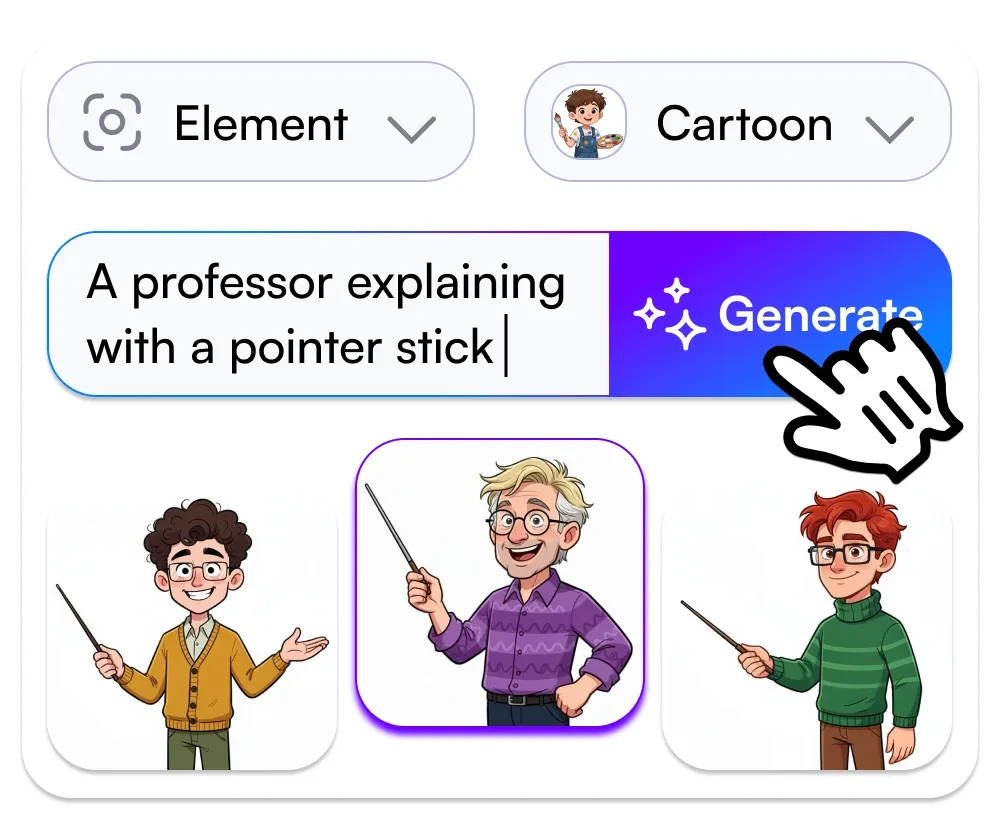 $47/month$47 total
- Drag-and-drop editor and picture-to-doodle, per the seller
- 150 AI credits, with the image editor and background remover
- DoodleAI engine, 1080p HD, 6 animation types and 6 AI styles
- 14+ templates, 8 drawing hands and 1,000+ built-in doodle elements

Pro
Monthly plan, cancel anytime $67/month$67 total
- Everything in Standard, plus 3,000+ PRO doodle elements and characters
- Priority AI queue, 4x variations per element and PRO AI styles
- 2K and 4K export, 20 pro fonts, custom fonts and custom pro backgrounds
- Commercial licence and VIP support, per the seller
- Bonus: 20 Background Music Tracks
Agency
Monthly plan, cancel anytime$127/month$127 total- Everything in Pro, plus the AI Wizard script generator and automatic project creation
- InMotion: upload your own videos, add transitions and 1,000+ animated elements
- AI Voices with 6 voices in 30+ languages
- Commercial licence and VIP support, per the seller; check the plan terms for team and reseller rights
Prices as published on the official order page (checked November 24, 2026). Tax and the final amount in your currency are shown at checkout.
More on InstaDoodle: full guide · Software & Creator Tools products