Ordering InstaDoodle takes a few minutes, but a few steps make the purchase safer and easier to support later. This page explains where to order, what to check on the order page and what to keep after you pay. Every button on this guide opens the same official order route, so you see the plan you chose before you pay.
Order only through the official order page. The order page shows the monthly plan, the price and the credit rule. Confirm them before you pay, and keep your confirmation email.
Open the official order page
Check the Standard, Pro or Agency plan and its monthly price on the seller's order page before you pay.
Go to the Order Page Monthly billing · 60-day money-back guaranteeThe official order page
The seller’s official website is instadoodle.com. The order route our buttons open leads to the seller’s own checkout, where the three monthly plans are listed with their prices and their cancellation terms. Use that route, and you see the plan you chose before you enter any payment details.
Why order only through the official page
Ordering from the official route keeps three things together: the plan you picked, the seller’s terms and the 60-day money-back guarantee. A purchase from a marketplace, a reseller or a copy page may not carry the same plan, the same terms or the same help desk. If the refund ever matters, you want the order to sit with the seller that owns the guarantee.
Step-by-step: how to order
- Open the order page from our button. Check that the seller is InstaDoodle and that the page lists the monthly plans.
- Pick your plan. Standard is $47 a month, Pro is $67 a month and Agency is $127 a month. Choose the one that fits this month’s work.
- Confirm the price and the billing. Check that each plan is billed monthly and that the total at checkout matches what you read.
- Read the credit rule. A refund is not available if more than half of the included AI credits have been used, per the seller’s policy.
- Check the commercial licence. The seller lists it on Pro and Agency. Check the terms if you plan client work on Standard.
- Pay and keep your confirmation email. Save the email, your account email and your order number.
Lookalike pages and copies
Some pages copy the look of a sales page, or offer a copy of the software under a similar name. Before you pay, check the address bar and the plan list on the page. The official order route lists the three InstaDoodle plans, the monthly prices and the cancellation terms. A page that offers a single fixed price with no plan list, or that asks you to pay through an unfamiliar name, is not the route we recommend.
What to check on the order page
- The plan name and the monthly price.
- The billing period, which the seller lists as monthly.
- The cancellation terms: cancel anytime, per the seller.
- The credit rule for the 60-day guarantee.
- The commercial licence, if you plan client work.
- The total at checkout, including any tax shown.
Confirm the plan, then order
Standard from $47, Pro from $67 or Agency from $127 a month, with the 60-day money-back guarantee and the credit rule on the order page.
Order InstaDoodle Monthly billing · cancel anytime, per the sellerAfter you order
Log in through the browser. InstaDoodle is a cloud web app, so there is nothing to install. Your confirmation email holds the order details. Keep it with your account email and your order number in a place you can find quickly.
If you need help, open a ticket at help.instadoodle.com. Include your account email and order number. For a refund request, use the subject Refund Request and add your purchase date.
Cancelling and renewals
Each plan renews each month until you cancel, per the seller. Cancel through the billing controls in your account, or through the help desk before the next renewal date. Cancelling stops future renewals. A refund is a separate request under the guarantee, and the credit rule applies to it.
Set a reminder for your renewal date when you order. That one step prevents most of the surprises people report with monthly subscriptions.
Common ordering questions
These are the questions that come up before you order. Can you order from a phone? The order route works in a mobile browser, so you can start on a phone and finish on a computer if that suits you better. Can you pick a plan later? You choose one plan on the order page, and the seller lists the three plans separately, so check the account pages for the options that apply after you buy. What if the page looks different from this guide? The seller updates its pages, so the order page is the final word. Confirm the plan, the monthly price and the credit rule on that page, whatever this guide says on the day you read it.
Before you order: a short checklist
- I am on the official order page, not a copy or a marketplace.
- I have picked Standard, Pro or Agency, and I know its monthly price.
- I have read the credit rule for the guarantee.
- I know whether I need the commercial licence, and which plan includes it.
- I have a place to keep my confirmation email.
Order from the official page today
Monthly plans from $47, with DoodleAI, voiceover, music and export in four shapes, and a 60-day money-back guarantee.
Get InstaDoodle Cancel anytime, per the sellerInstaDoodle Official Pricing
Standard
Monthly plan, cancel anytime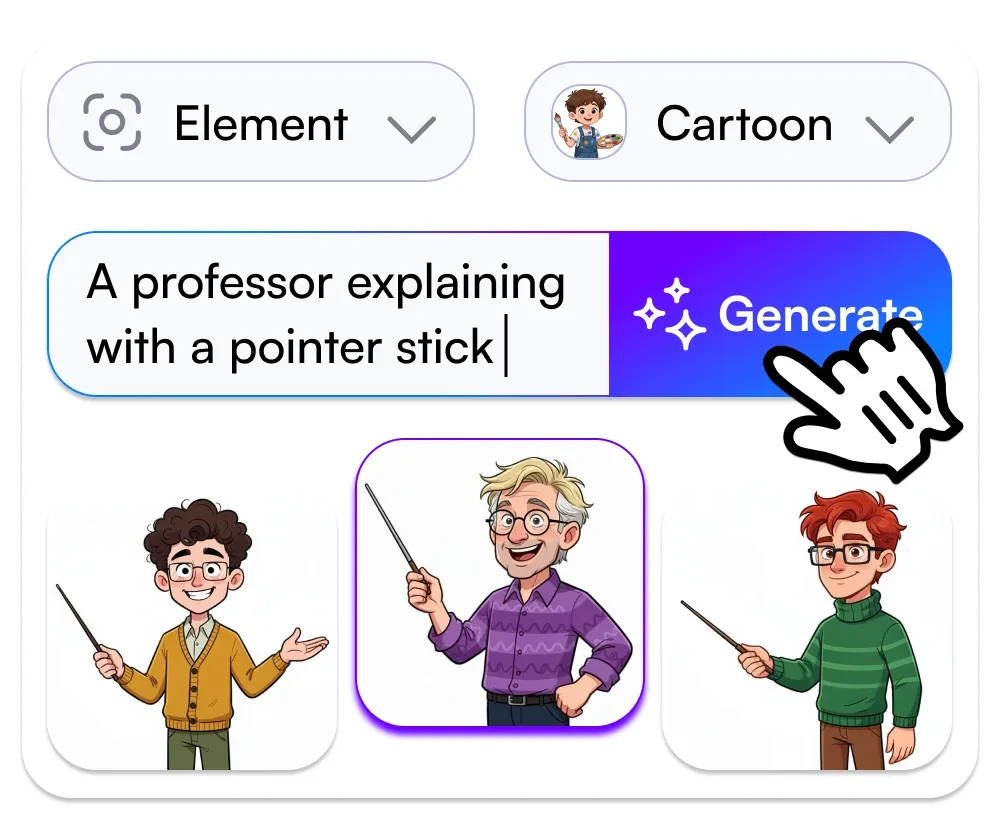 $47/month$47 total
- Drag-and-drop editor and picture-to-doodle, per the seller
- 150 AI credits, with the image editor and background remover
- DoodleAI engine, 1080p HD, 6 animation types and 6 AI styles
- 14+ templates, 8 drawing hands and 1,000+ built-in doodle elements

Pro
Monthly plan, cancel anytime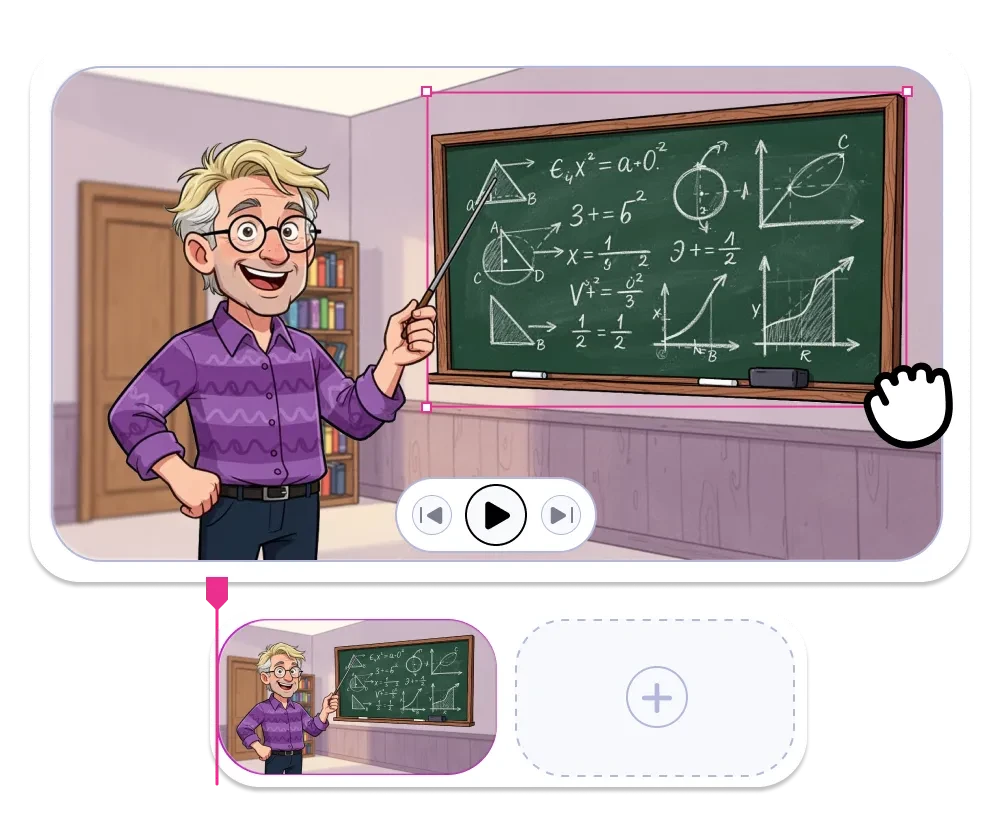 $67/month$67 total
- Everything in Standard, plus 3,000+ PRO doodle elements and characters
- Priority AI queue, 4x variations per element and PRO AI styles
- 2K and 4K export, 20 pro fonts, custom fonts and custom pro backgrounds
- Commercial licence and VIP support, per the seller
- Bonus: 20 Background Music Tracks
Agency
Monthly plan, cancel anytime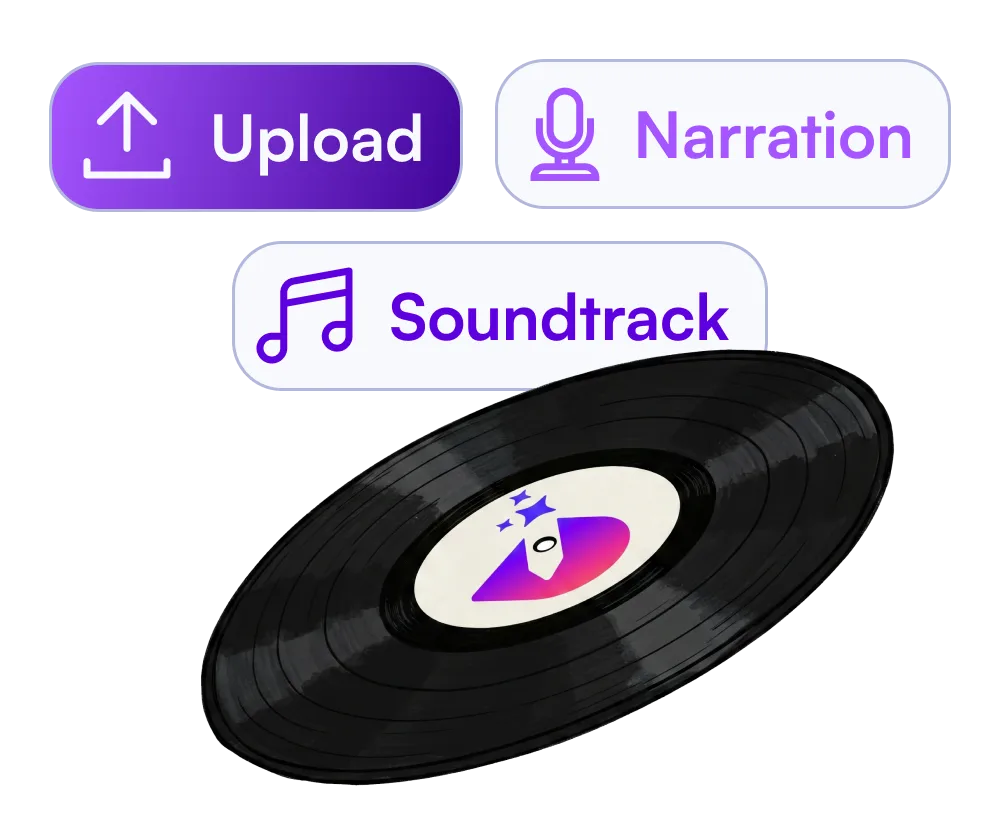 $127/month$127 total
- Everything in Pro, plus the AI Wizard script generator and automatic project creation
- InMotion: upload your own videos, add transitions and 1,000+ animated elements
- AI Voices with 6 voices in 30+ languages
- Commercial licence and VIP support, per the seller; check the plan terms for team and reseller rights
Prices as published on the official order page (checked November 24, 2026). Tax and the final amount in your currency are shown at checkout.
More on InstaDoodle: full guide · Software & Creator Tools products